


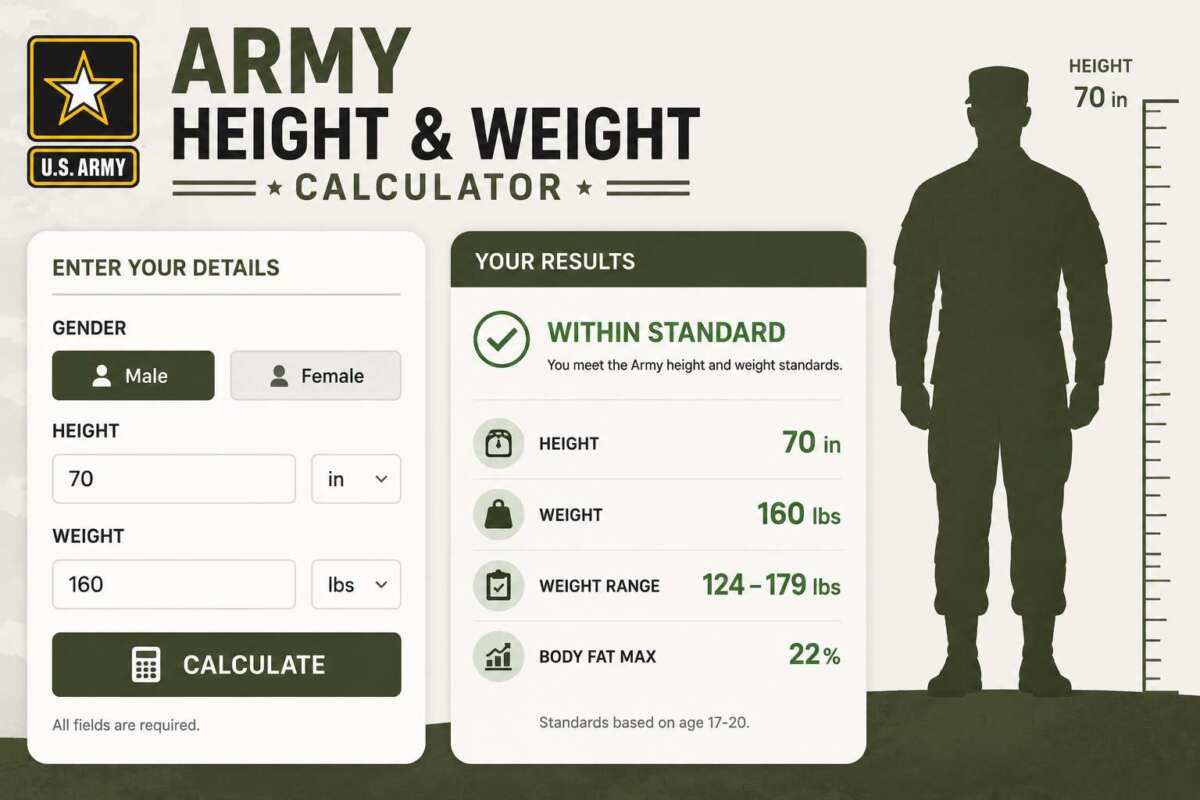
Important: The Army Body Composition Program (AR 600-9) periodically revises its screening weight tables and body fat percentage standards, and this tool cannot guarantee it reflects the exact current-year official figures. All weight and body-fat limits below are editable placeholder values — always verify current numbers against the official AR 600-9 regulation or your unit’s official guidance before relying on any result for a real assessment.
The Army Height and Weight Calculator walks through the Army’s actual two-stage process: a Weight Screening Check against your height/age table maximum, and — only if you exceed that screening weight — a Tape Test Body Fat estimate using the standard circumference method, checked against a Body Fat Standard Compliance limit.
Table of Contents
- Army Height and Weight Calculator
- How the Army Body Composition Process Works
- The Tape Test Formula Explained
- Why the Limits in This Calculator Are Editable
- Tips for Accurate Tape Test Measurements
- Frequently Asked Questions
Army Height and Weight Calculator
Select a tab below. Enter your own current official screening weight and body fat standard where prompted — defaults shown are illustrative placeholders only, not verified current regulation values.
How the Army Body Composition Process Works
The Army Body Composition Program generally works as a two-stage screen. First, weight is checked against a height-and-age-based screening weight table — if weight falls at or under that table’s maximum, no further assessment is typically required. If weight exceeds the table maximum, a body fat percentage assessment (the “tape test”) is performed using circumference measurements, and that percentage is checked against a maximum allowable body fat standard, generally set by age group and sex. This calculator mirrors that same two-stage structure across its three tabs.
The Tape Test Formula Explained
The tape test uses the same general circumference-based body fat estimation method historically used across U.S. military services, built from neck, waist (abdomen), and — for women — hip circumference, combined with height:
- Male: Body Fat % = 495 ÷ (1.0324 − 0.19077 × log₁₀(waist − neck) + 0.15456 × log₁₀(height)) − 450
- Female: Body Fat % = 495 ÷ (1.29579 − 0.35004 × log₁₀(waist + hip − neck) + 0.22100 × log₁₀(height)) − 450
All measurements are in inches. Official tape testing procedures typically call for measurements to be taken to the nearest 1/2 inch, generally using the smallest of three measurements at each site, performed by a trained evaluator using a proper tension tape — details that matter for consistency but that a self-administered calculator can only approximate.
Why the Limits in This Calculator Are Editable
Screening weight tables and maximum body fat percentage standards under AR 600-9 are official regulatory figures that are periodically revised, and they vary by height, age group, and sex in ways that would be easy to misstate or present as outdated fact in a static calculator. Rather than hardcoding specific numbers that could be wrong or superseded, this calculator asks you to enter the maximum weight and maximum body fat percentage that apply to you from current official guidance — the calculator’s job is to do the comparison arithmetic correctly, not to be the source of truth for the standards themselves.
Tips for Accurate Tape Test Measurements
- Neck: Measure just below the larynx, tape sloping slightly downward toward the front.
- Waist/Abdomen: Measure at the navel level, standing relaxed.
- Hip (female): Measure at the widest point around the buttocks.
- Take three measurements at each site and use the smallest, per standard protocol, to reduce the effect of tape tension inconsistency.
- Round down to the nearest half inch for each measurement, matching standard tape test procedure.
Frequently Asked Questions
Why doesn’t this calculator include the actual screening weight table?
Screening weight tables are detailed, height-and-age-specific official figures that are revised periodically by Army regulation. Rather than risk presenting an outdated or incorrect number as current fact, this calculator asks you to enter the maximum that applies to you from the current official table so the comparison is always based on accurate, up-to-date information.
Is the tape test formula here exactly what the Army uses?
It reflects the well-established circumference-based body fat estimation methodology historically used across U.S. military services. Exact administrative procedures, rounding rules, and worksheet forms can vary and are set by official regulation — this calculator approximates the underlying math, not the full official administrative process.
What happens if I fail the weight screening but pass the body fat standard?
Under the standard Army process, exceeding the screening weight table triggers a body fat assessment rather than an automatic failure — passing the body fat percentage standard after being taped generally means a soldier meets body composition standards even while over the initial screening weight, since the screening weight is a first-pass filter, not the final determination.
Where can I find the current official screening weight and body fat standards?
Current official figures are published in AR 600-9 (the Army Body Composition Program regulation) and related official Army guidance. Since this calculator cannot guarantee it reflects the most recent revision, always check with your unit or the official regulation directly before relying on any number for an actual assessment.
As an Amazon Associate, We earn from qualifying purchases. When you purchase a product through Amazon links on pulsefitguide.com, we may earn a small commission at no extra cost to you. This helps support the site and keep our content free.
